Explore
The Explore section gives an overview of activity across Vesu. It includes pages for browsing positions, exploring pools, and monitoring liquidations.
Explore is available in PRO mode only.
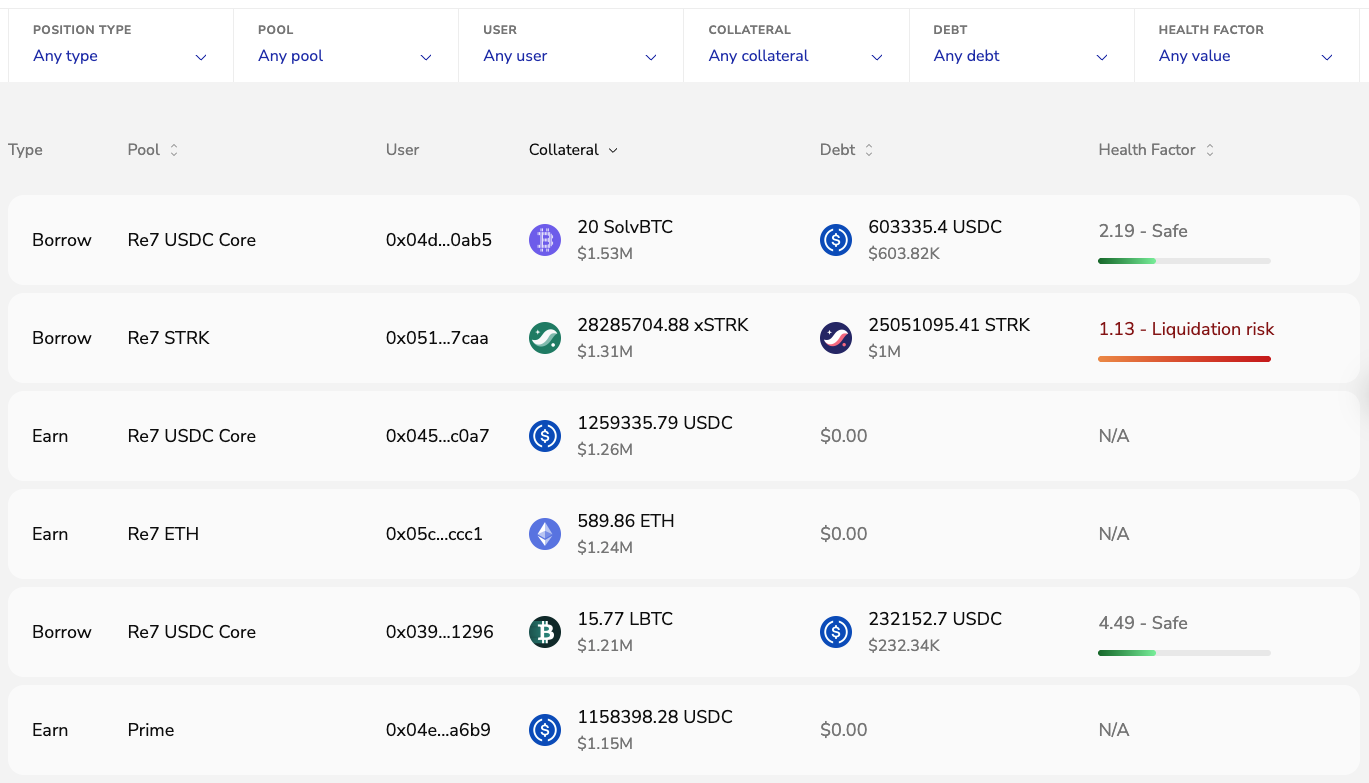
Positions
View all active positions on Vesu in real time, with filters for:
- Position type
- Pool
- Wallet address
- Assets
- Health factor
Pools
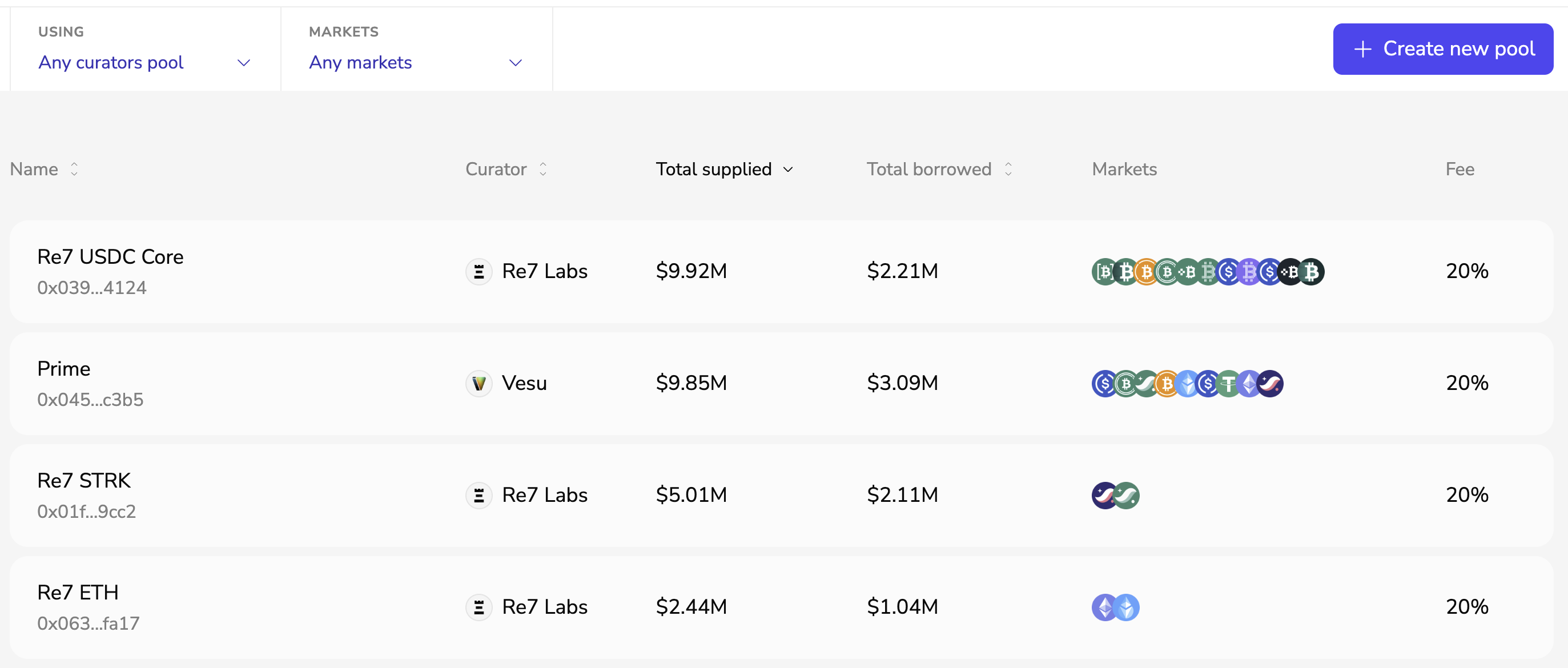
The Pools page gives an overview of all pools on Vesu.
Pools can be filtered by:
- Curator
- Markets
This makes it easy to explore pool configurations, supported markets, and risk parameters.
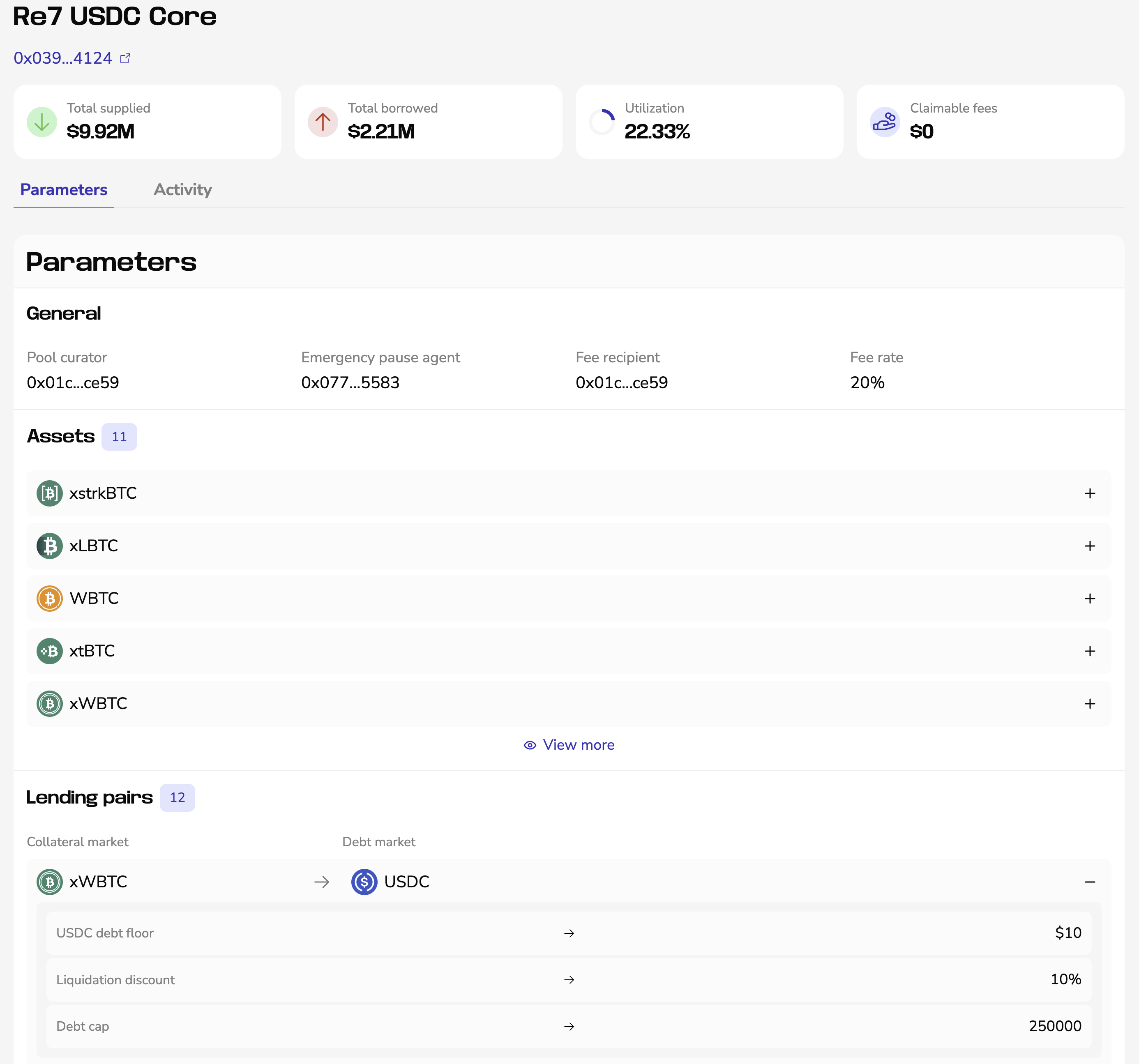
Clicking on a pool opens its detailed view, including:
- Pool parameters
- Supported assets
- Lending pairs
- Pool activity
Assets and lending pairs can be expanded to view additional parameters and settings.
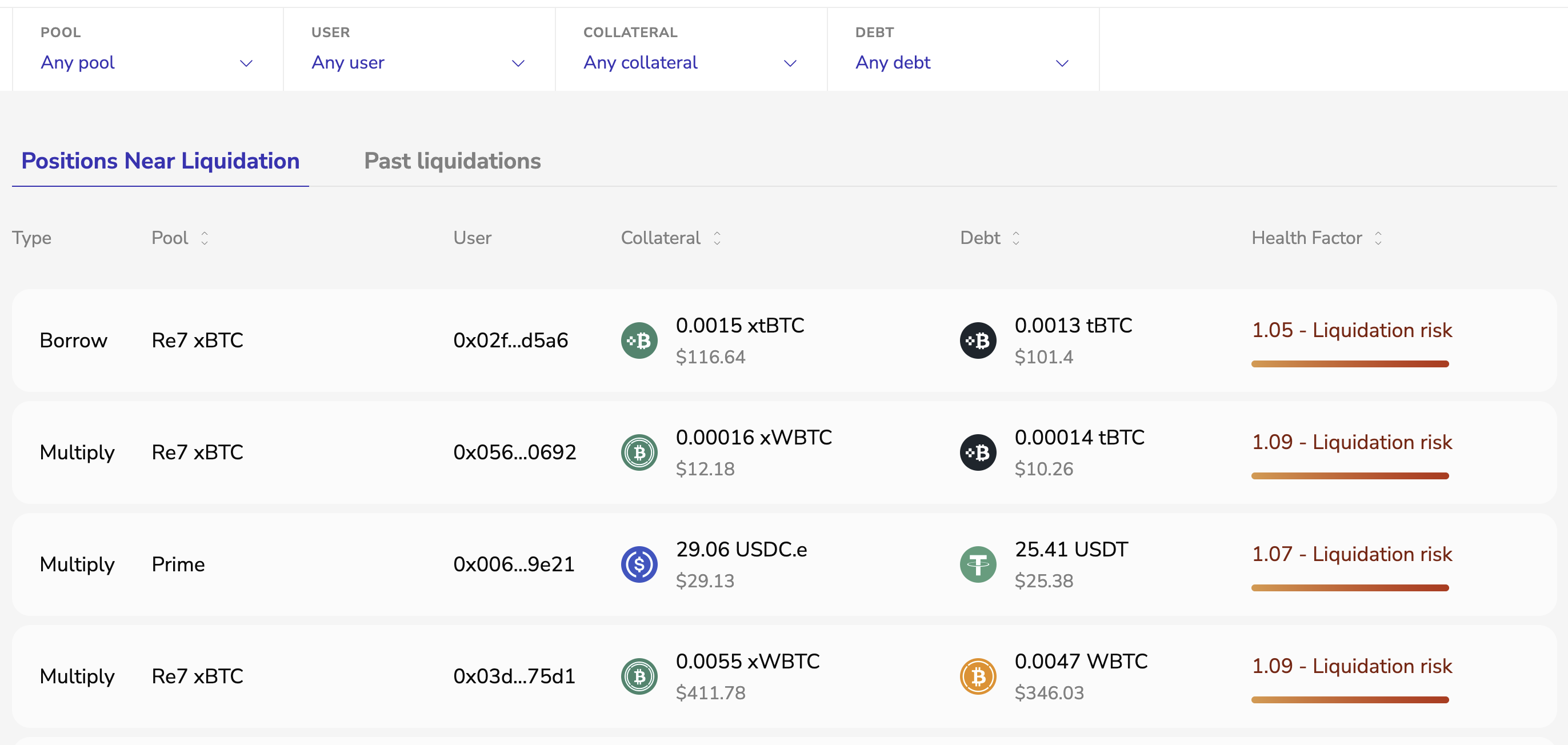
Liquidations
This page can be used to track positions at risk and review past liquidation events.
Liquidations can be filtered by:
- Pool
- Wallet address
- Asset