LITE mode
Lite mode is a simplified interface for earning and borrowing on Vesu. It’s designed for users who want a straightforward flow without advanced configuration.
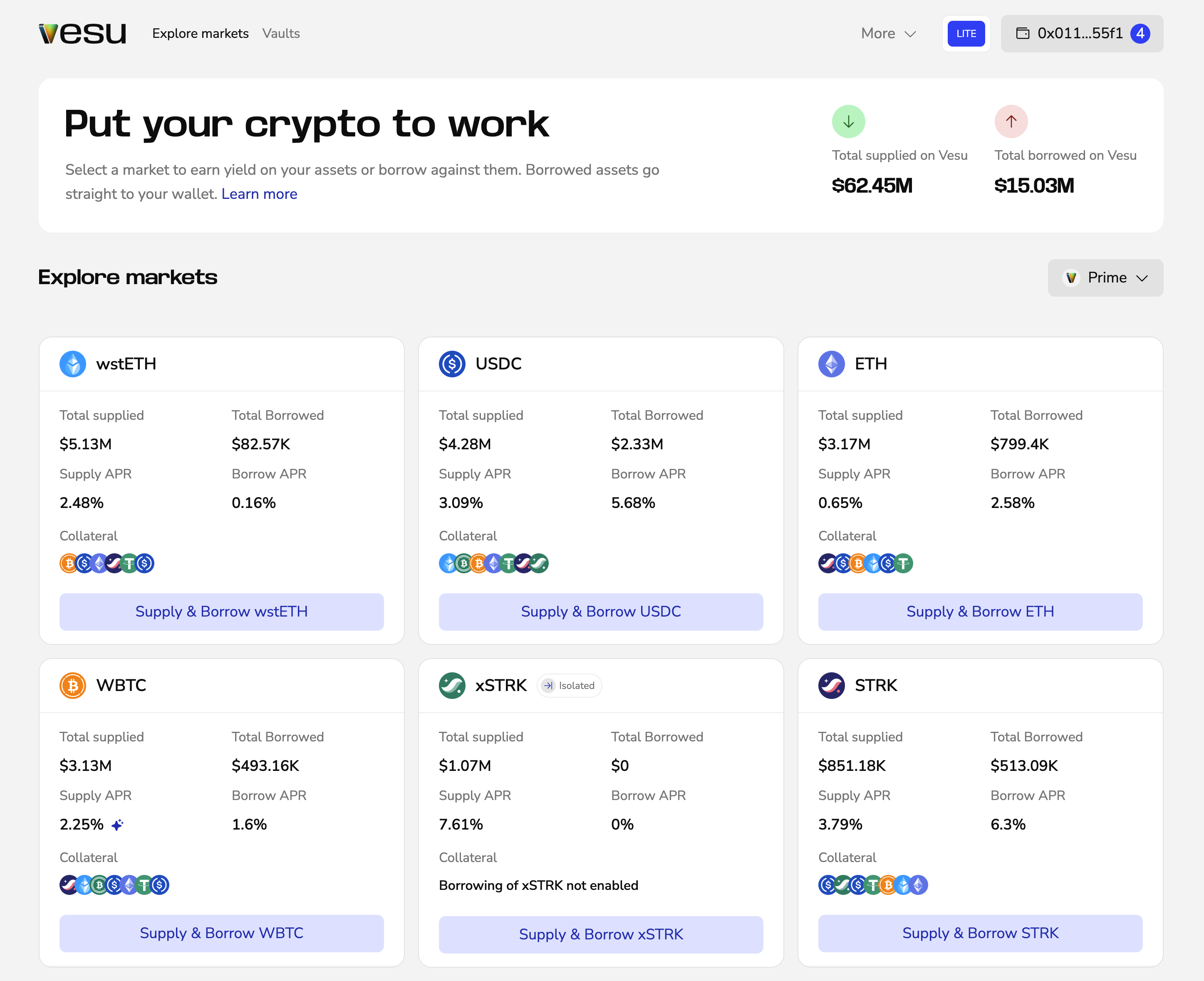
How Lite mode works
Lite mode shows a default market per asset. This market is selected to be a good fit for most users.
Use the pool selector dropdown on the right side of the page to switch pools and explore other markets.
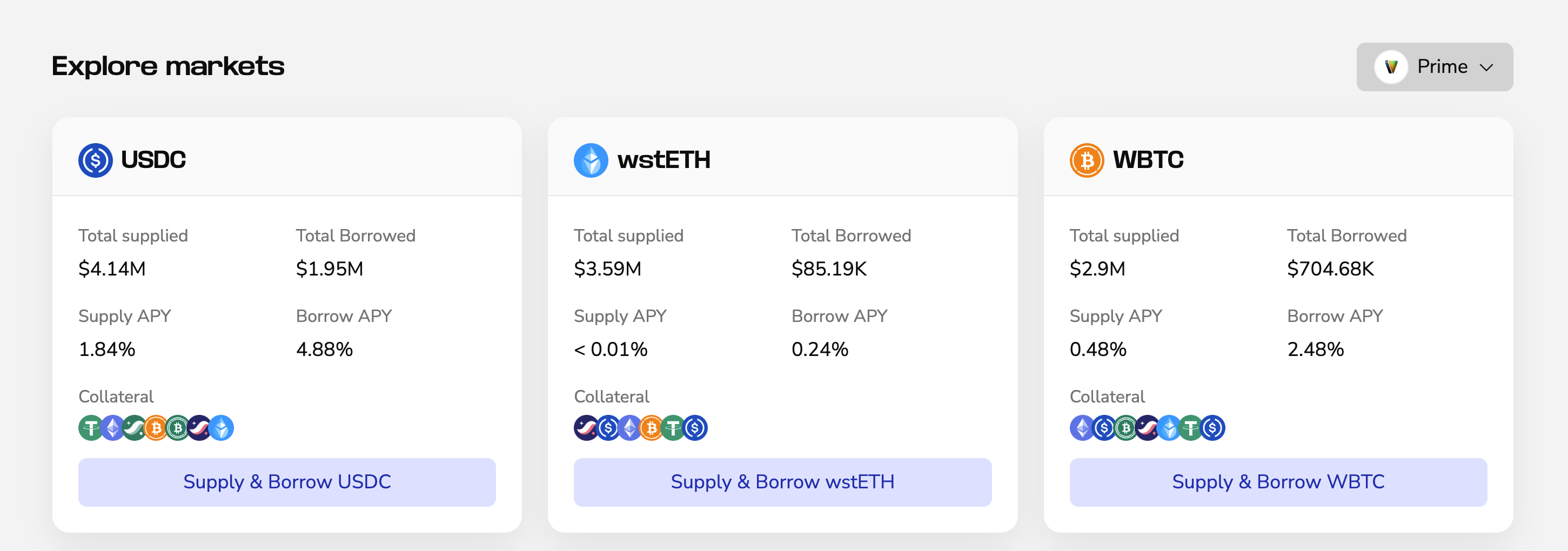
Earn in Lite mode
- Select an asset you want to deposit
- Set the amount and click Start earning
- Confirm in your wallet
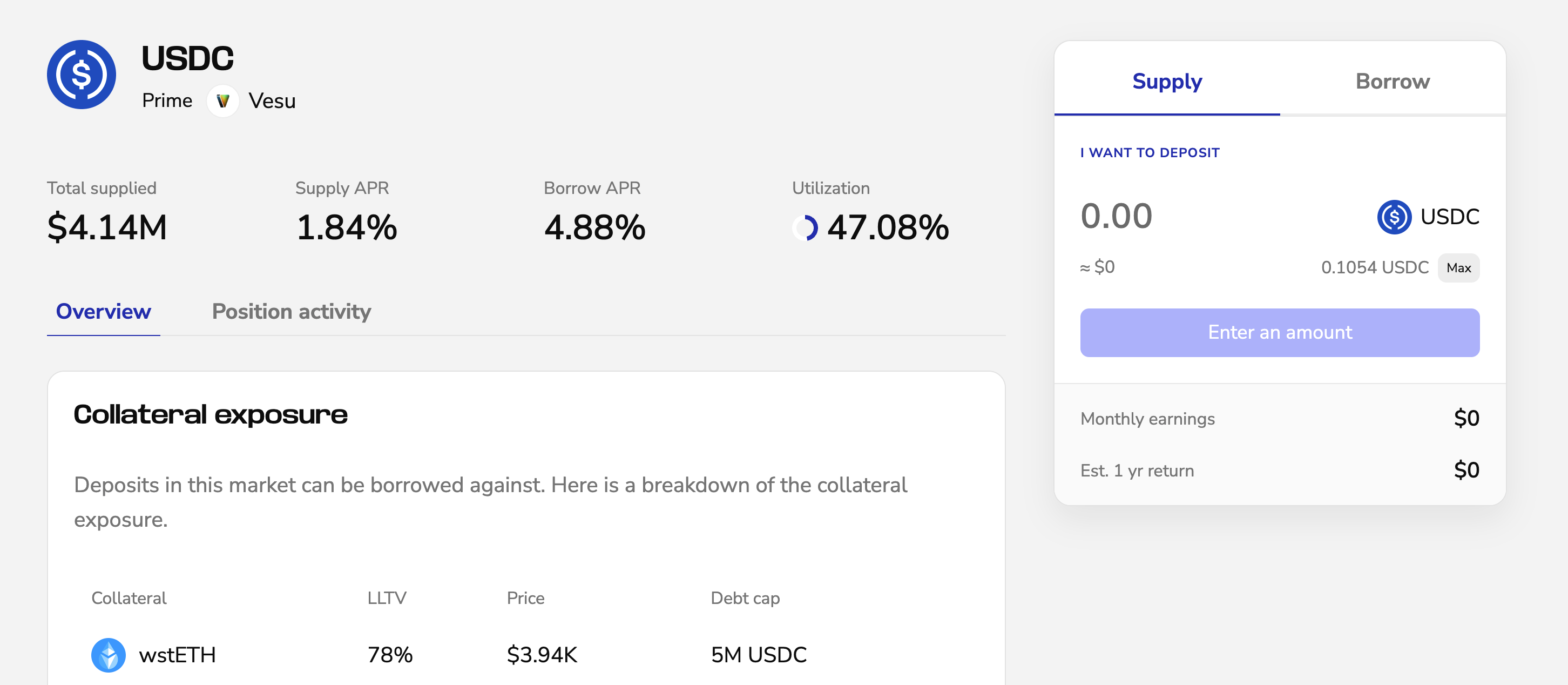
Your deposit starts earning immediately.
Borrow in Lite mode
- Select an asset
- Switch to the Borrow tab on the market page
- Enter amounts
- Confirm in your wallet
Borrowed assets are sent directly to your wallet.
Vaults
Vaults behave the same in all modes.
See the Vaults user guide for details.
When to use PRO mode
Switch to PRO if you want:
- Multiple markets per asset
- Multiply